
Dash Cameras Compared: Key Features for Safer Everyday Driving
Introduction
A dash camera is a witness, not a co-driver. Its value depends less on the number of features than on whether it can record a clear, useful account of an incident without distracting the driver.
Choosing one involves more than comparing video resolution. Drivers should weigh image quality, night performance, coverage, reliability, storage and ease of use, then consider which trade-offs suit their journeys. When comparing dash cameras, focus on dependable footage rather than a long list of specifications.
Dash cameras generally fall into three groups: basic front-facing models, dual-camera systems that also record the cabin or rear window, and connected models with features such as GPS, phone apps or parking surveillance. No type is automatically the safest choice. Installation, settings and reliable operation matter as much as the hardware. Different dash cameras can suit different driving routines.
The contenders: three approaches to coverage
A front-facing camera records the road ahead and is usually the simplest to install, with fewer cables and settings to manage. For drivers who mainly want evidence of what happened in front of the car, that simplicity can be an advantage. Many dash cameras in this category prioritize straightforward operation.
But a front-facing camera cannot show what happens behind the vehicle or inside it. A rear camera can add context to a rear-end collision and document activity around the back of the car, but it requires extra wiring and careful positioning. Some dash cameras offer this wider coverage as part of a dual-channel kit.
Cabin-facing systems record the interior, which may suit professional drivers or people who regularly carry passengers. Their usefulness depends on the situation, and recording occupants raises privacy concerns. Buyers should check how footage is stored and shared, and whether local rules restrict recording.
Connected models may offer GPS data, wireless viewing or alerts if a parked vehicle is disturbed. These features can make footage easier to review, but they also introduce potential problems: an app may be difficult to use, the connection may be unreliable, or certain services may require a subscription. Recording should not depend on a phone connection. Before choosing among dash cameras, check that essential recording works independently.
Key factors
Video resolution is a useful starting point, but it does not tell the whole story. Higher resolution can preserve more detail, which may help when reviewing a number plate or road sign. Results also depend on lens quality, exposure, compression and how securely the camera is mounted. Compare sample clips when deciding which dash cameras deliver usable detail.
Frame rate matters too. Smooth footage can make movement easier to follow, while good exposure handling helps prevent bright skies or headlights from obscuring details. Look for sample footage from ordinary roads rather than relying on headline specifications.
Night recording is more demanding than filming in daylight. Streetlights, glare and sudden changes in brightness can hide details. A camera that looks sharp in a showroom may struggle on an unlit road, so check whether it handles headlights without turning the rest of the scene into a dark blur. Night recording performance varies considerably across dash cameras.
A wide field of view captures more of the scene, including vehicles approaching from the sides. But wider is not always better. It can make distant objects look smaller, and a lens aimed too broadly may lose useful detail straight ahead. Position and angle matter, too. Compare the field of view offered by different dash cameras against the coverage you actually need.
Storage is a reliability issue, not an afterthought. Most cameras record in a loop on storage cards, overwriting older files when the card is full. A collision may trigger a protected clip, but check how file locking works, how much footage the card can hold and whether the camera warns you if the card fails. Dash cameras are only useful if they reliably save recordings.
Card compatibility and maintenance matter as well. Use a card that meets the camera’s requirements, check that recording is active, and review or format the card according to the manufacturer’s guidance. A camera that appears to be on but has stopped saving files offers little protection.
Parking mode can record events while a vehicle is unattended, but it is not a complete surveillance system. Depending on the model, it may use impact detection, motion sensing or time-lapse recording. Each approach balances coverage against power use and the risk of missing a brief event. Check which dash cameras provide the parking features that fit your situation.
Parking recording also needs a suitable power source, such as a hardwire kit or external battery. Check how the system protects the car’s battery and what happens when it reaches the low-voltage cutoff. Poor installation can cause more problems than the feature solves.
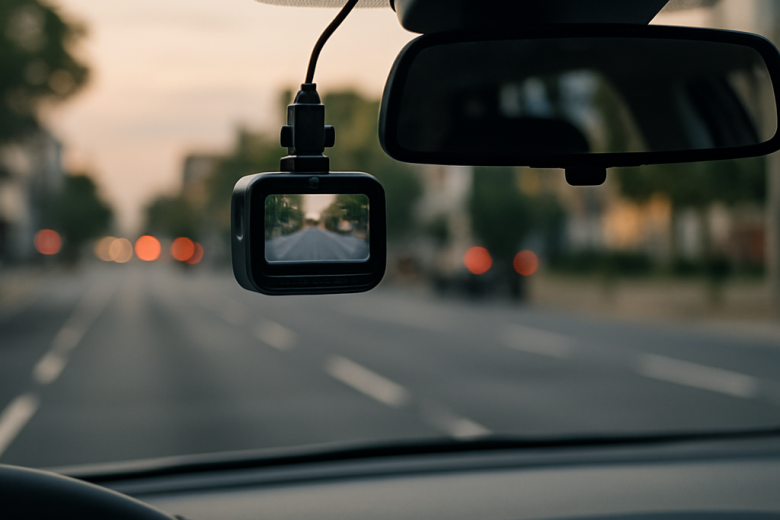
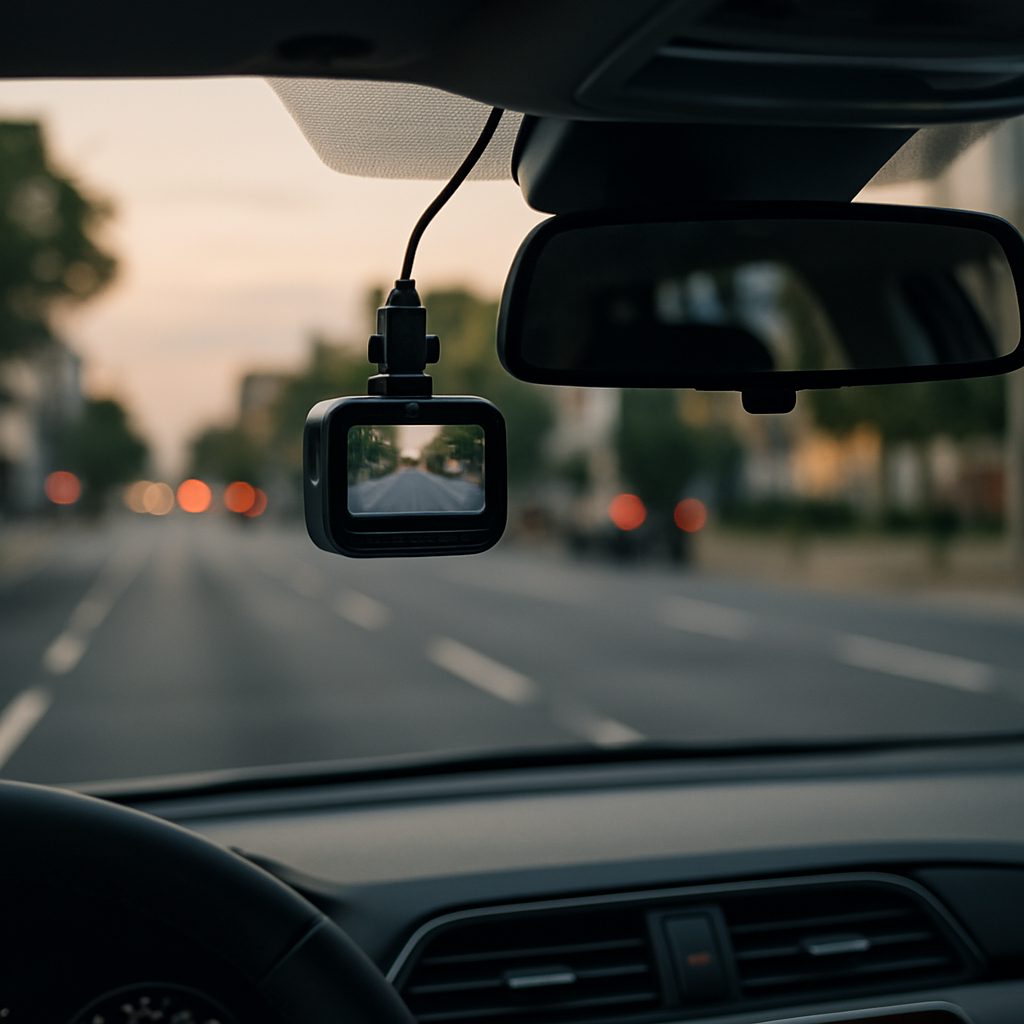
Finally, consider the driver. A large screen, frequent alerts or complicated controls can be distracting. For driver safety, mount the camera outside the main sightline, set it up before driving and leave it alone while the vehicle is moving. Well-designed dash cameras should support safer habits without demanding attention on the road.
Scenario: the same commute, three different outcomes
Imagine a routine evening commute in the rain. Traffic slows suddenly, the driver brakes, and the vehicle behind hits the car before pulling over. A front-facing camera may capture the approach and impact, but the footage will only be useful if it shows the other vehicle’s movement and the relevant details. This is why dash cameras should be tested and positioned before they are needed.
A dual-channel system may provide a clearer view of what happened behind. A well-positioned rear camera can also add context before and after the collision. If the car is later hit in a parking lot, parking mode might record the event, provided the system is powered, armed and able to detect it.
Now imagine the road is poorly lit, with reflective signs and bright headlights. Resolution alone cannot guarantee readable footage. Exposure control, lens performance, clean glass and a stable mount all matter. So does checking that the camera is not pointed too high or blocked by a wiper. These practical details affect the results from all dash cameras.
In every case, a camera can document a collision, not prevent one. It cannot replace a safe following distance, attentive driving or a clear account for insurers and authorities. The best setup reliably captures relevant evidence while demanding as little attention as possible.
Conclusion
Choosing a dash camera comes down to priorities. A simple front-facing model may be enough for many drivers. Those who want footage from behind or while parked should weigh the extra coverage against the added installation requirements. Dash cameras are most effective when their features match the way the vehicle is used.
Choose a camera that can record useful footage in the conditions you face, not one with the longest specification sheet. Consider night performance, viewing angle, card reliability, power needs and controls, then install and maintain the camera properly. The best dash cameras are not the most complicated. They are the ones that record when needed and stay out of the way the rest of the time.