
Robot Vacuum Buying Guide: How to Compare Mapping, Obstacle Avoidance, and Self-Emptying
Introduction
Choosing a robot vacuum is less about finding the model with the longest feature list and more about finding one that suits your home. A capable robot vacuum may struggle in a crowded flat, while a simpler one can work well in an open-plan space. Start by considering the rooms, obstacles and routines the vacuum will encounter.
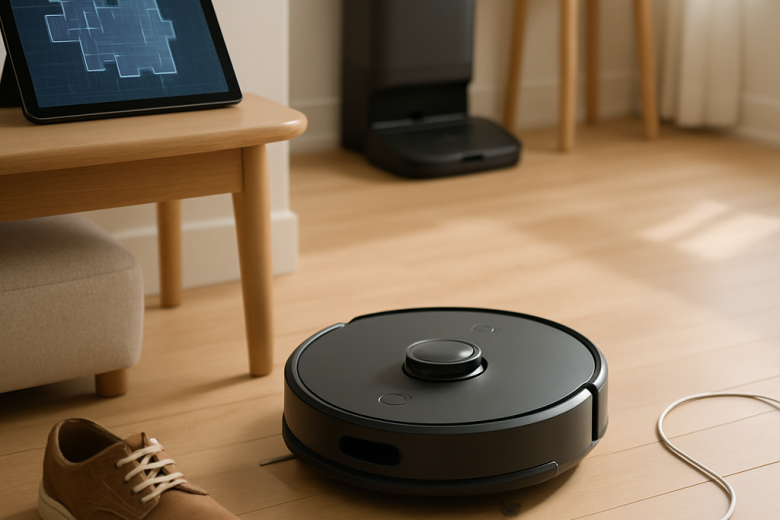
Three features often shape the decision: mapping, obstacle avoidance and a self-emptying dock. Mapping helps a robot vacuum track its location and where it has cleaned. Obstacle avoidance helps it respond to objects in its path. A self-emptying dock means less frequent handling of the dustbin.
These features solve different problems, even when product labels make them sound interchangeable. The important question is not whether a feature appears on the box, but how reliably it works in your home.
Analysis of the contenders
Basic robot vacuums may follow a cleaning pattern without creating a detailed map they can reuse. More advanced models can map rooms, divide the home into zones and let you schedule floor cleaning or set boundaries.
Mapping technology varies. Some vacuums use cameras, others use laser-based sensors, and some combine several inputs. The technology matters less than whether the robot vacuum navigates consistently, recovers after being moved and returns to its dock without losing track of its location.
A saved map is especially useful in a home with multiple rooms or a regular cleaning schedule. But maps have limits: furniture moves, doors close, and reflective or unusual spaces can confuse sensors. A model that lets you edit rooms and boundaries may be more useful than one with an impressive scan but few controls.
Obstacle avoidance helps a robot respond to objects in its path. A vacuum that detects cables, socks, toys or pet waste may avoid interruptions that would otherwise require someone to step in. But detection is not perfect. Performance can depend on an object’s size, colour and position, as well as the lighting.
Some machines can detect that an object is there without identifying what it is. That may prevent a collision, but it may not stop the vacuum from nudging a lightweight item or getting caught on a cord. Obstacle avoidance can reduce the need to clear the floor, but it does not eliminate it.
A self-emptying dock serves a different purpose. It transfers dust and debris from the robot vacuum’s bin into a larger bag or container, so you do not have to empty the bin as often. It does not improve navigation or cleaning performance; it reduces the maintenance needed between runs.
Key factors
Start with your floor plan. In a compact, mostly open home, elaborate mapping may matter less than reliable movement and simple controls. In a larger or more divided space, room-by-room cleaning, saved maps and no-go zones can make it easier to fit the robot vacuum into your routine.
Consider your floors, too. Hard flooring, rugs, thresholds and mixed surfaces place different demands on a machine. Check that the robot vacuum can cross transitions in your home and that its cleaning settings suit the surfaces it will encounter. Think about the route from the kitchen to the bedroom, not just the features on the box.
Then assess how much clutter the vacuum will encounter. Clear floors put less pressure on obstacle avoidance, while children, pets or frequently used cables make it more important. Even a capable system benefits from some floor preparation: small objects can be hard to detect, and no sensor can make every untidy room safe to clean without supervision.
When comparing obstacle avoidance, look for details about which objects the robot vacuum can detect and where it may struggle. Be cautious of broad claims that do not explain the limits. If the vacuum uses a camera, consider whether you are comfortable having one in your home and how well it performs in changing light.
Also check the dock’s size, capacity and upkeep. It needs a suitable place to stand, and its bag or bin will eventually need emptying. Factor in replacement supplies, noise during emptying and whether the dock handles other tasks, such as charging or maintaining a mop.
The app affects how easy the vacuum is to use. Clear room labels, adjustable schedules and reliable map editing can make advanced mapping more practical. Confusing controls or an unreliable connection can mean spending more time managing the robot vacuum than cleaning with it. For homes with several connected devices, compatibility with other smart home appliances may also matter.
Finally, separate convenience from cleaning performance. A self-emptying dock may reduce maintenance, but it does not guarantee better pickup. Precise mapping can improve coverage, but it does not show how well the robot vacuum will lift debris from your floors. A useful vacuum comparison considers the whole system: cleaning, navigation, upkeep and the effort needed to keep it running.
Match scenario
Consider two homes. The first is a small flat with mostly clear floors, one main living area and a predictable routine. A straightforward robot vacuum with dependable navigation may be the sensible choice. Advanced object recognition or a bulky dock may offer little extra value.
The second home has several rooms, pet hair, scattered toys and a busy schedule. Room selection can make targeted cleaning easier, while obstacle avoidance may reduce the chance of a cable or toy stopping the robot vacuum. A self-emptying dock could help if frequent bin emptying is the chore most likely to be neglected.
Neither home has a universal best choice. The second may still need a quick floor check, and its owner will have to maintain the dock. In the first, quiet operation or simple controls may matter more than features designed for a larger, more complex layout.
Each feature has a different role: mapping plans the route, obstacle avoidance responds to objects in the way, and the dock reduces one chore after floor cleaning. The best specifications are the ones that address recurring problems in your home, not necessarily the ones that sound most advanced.
Conclusion
Start by identifying the problem you want the robot vacuum to solve. For a complicated floor plan, look for a map that is accurate and easy to edit. For clutter, consider what obstacle detection can do and where it falls short. To reduce hands-on maintenance, check the dock’s capacity, space requirements and upkeep.
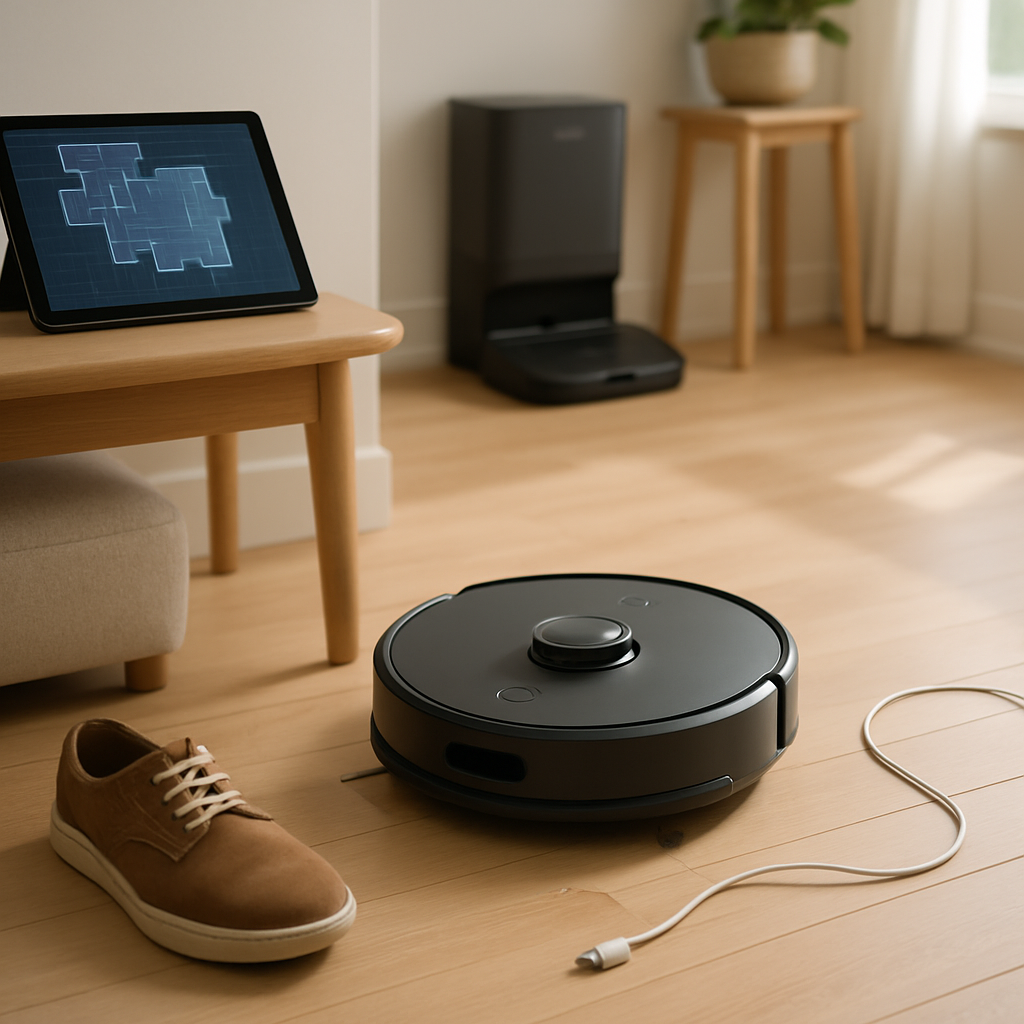
The best choice is the one that fits the home it will serve. Mapping, obstacle avoidance and self-emptying each have their uses; how much they matter depends on your daily routine. Compare the robot vacuum’s features with your needs, and choose a model that makes regular cleaning easier.